
Apps
Use Spot from anywhere.
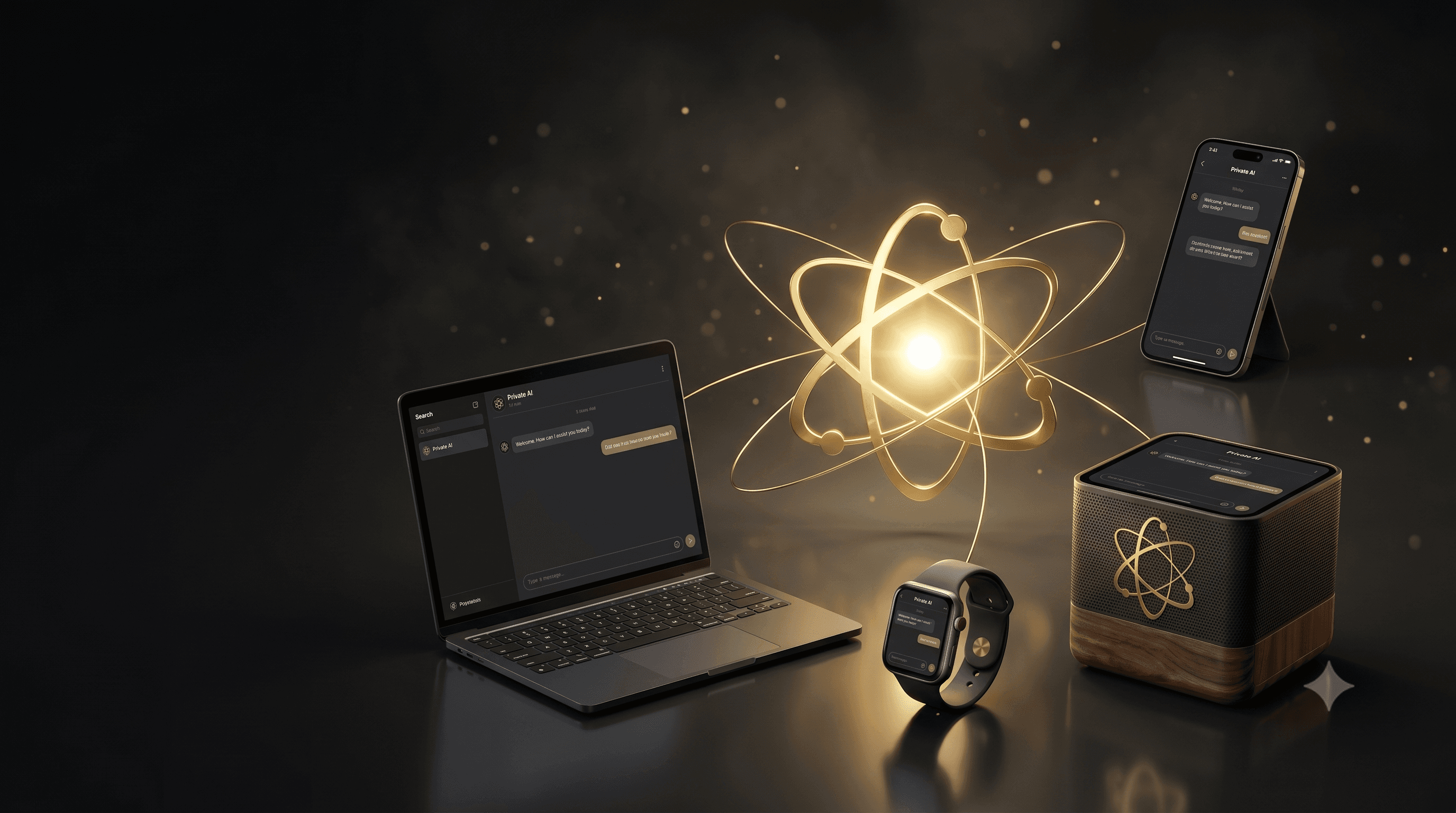
Spot has clients for the platforms you already use. Install the apps from the Software Warehouse, pair them once, and they'll find your Spot whether you're at home or on the road.
Where to start
Pick the platform you want to install.
Mobile
Spot on iOS and Android.
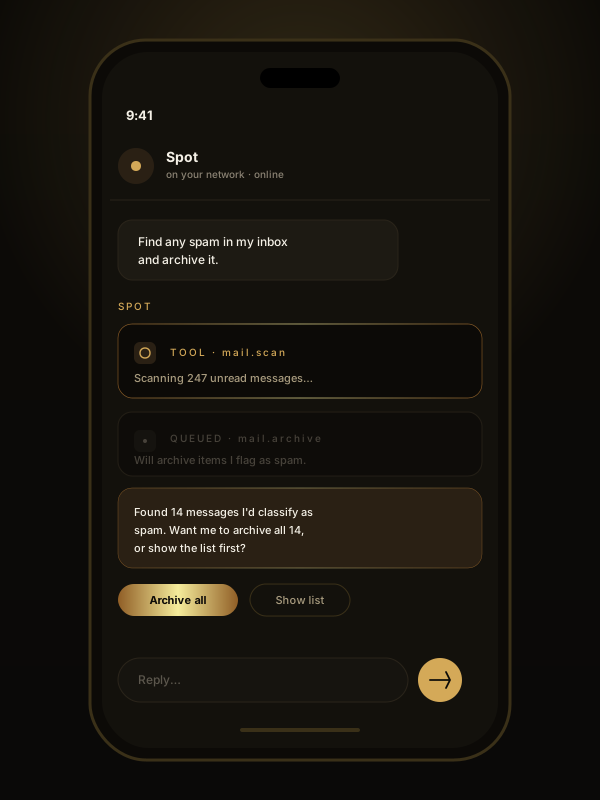
The flagship client. Voice, push notifications, camera attachments, background alerts, and an offline-tolerant cache so you can pick up mid-conversation when you reconnect.
Where to download
What's included
- Streaming chat with tool calls expanded inline.
- Push-to-talk and (opt-in) wake-word voice mode.
- Push notifications for alerts and approvals.
- Camera and photo attachments for vision prompts.
- Family / team profile switching on a shared Spot.
Desktop
Spot on macOS, Windows, and Linux.
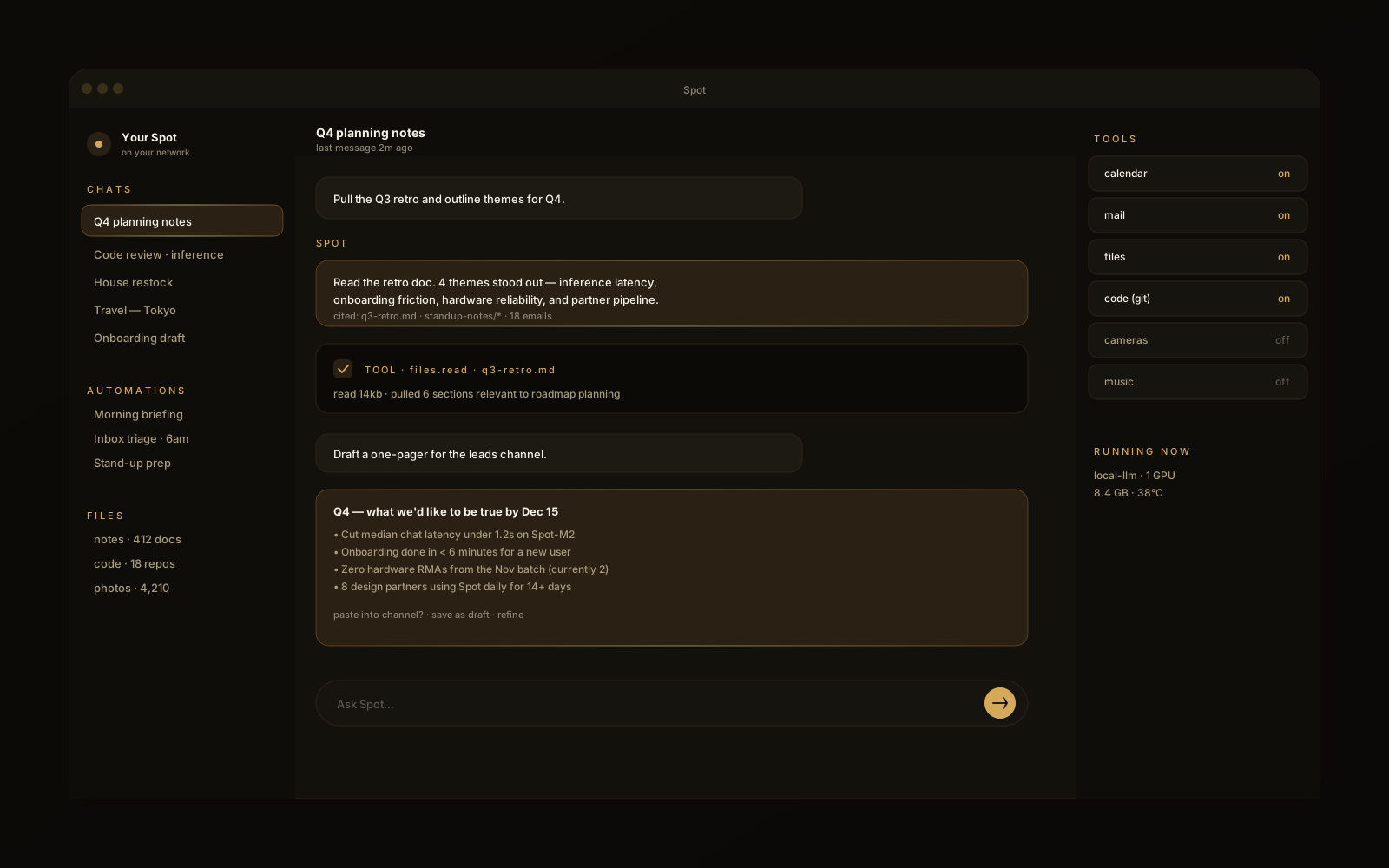
A native shell wrapping the Spot client, so you can pin it to your dock, jump to chat with a hotkey, and keep agents running in a window while you work.
Web
Spot in your browser.
For when you don't want to install anything. The web client covers the same chat, files, and tools as the native apps.
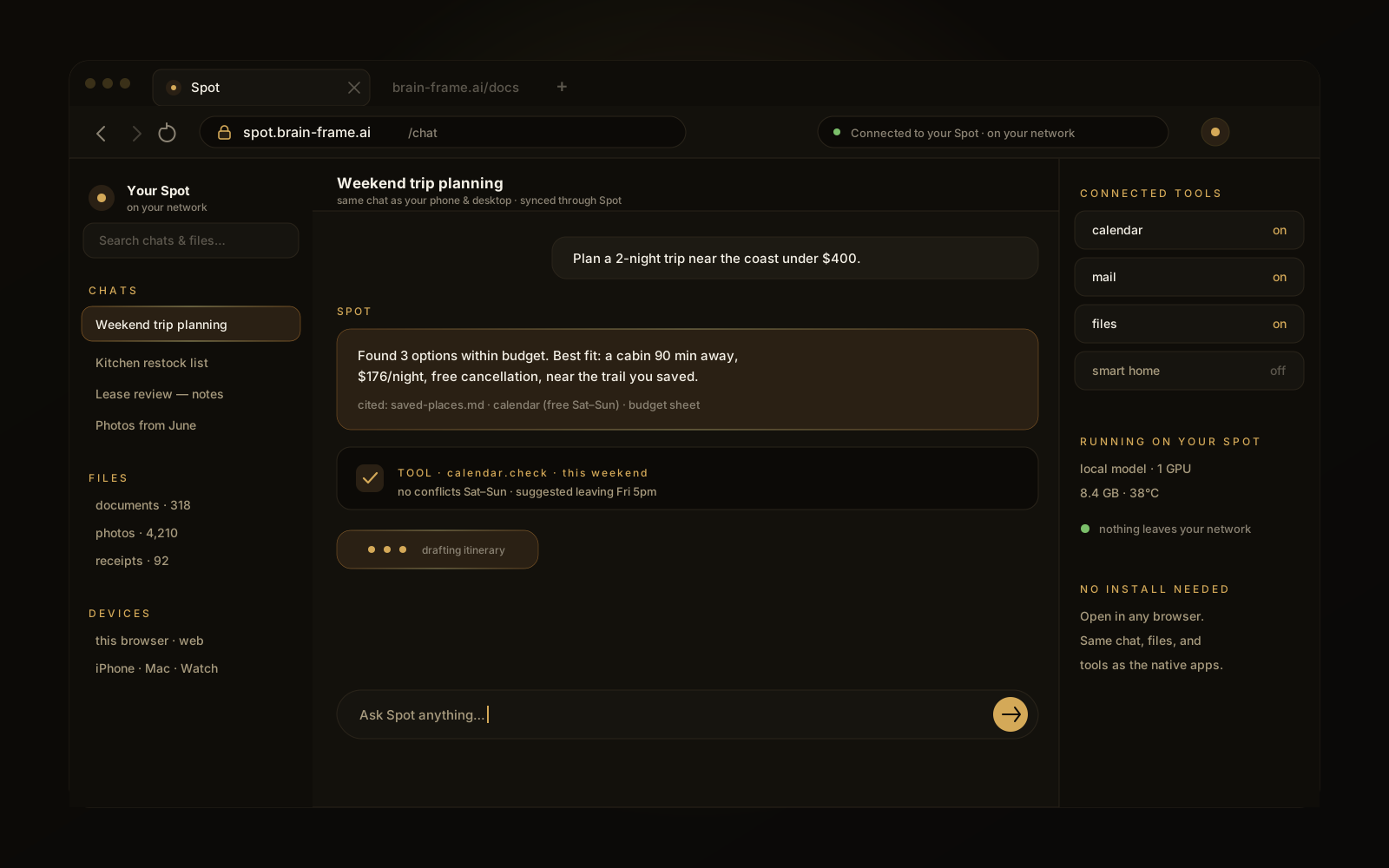
Open the web client at spot.brain-frame.ai.
Watch
Spot on your wrist.
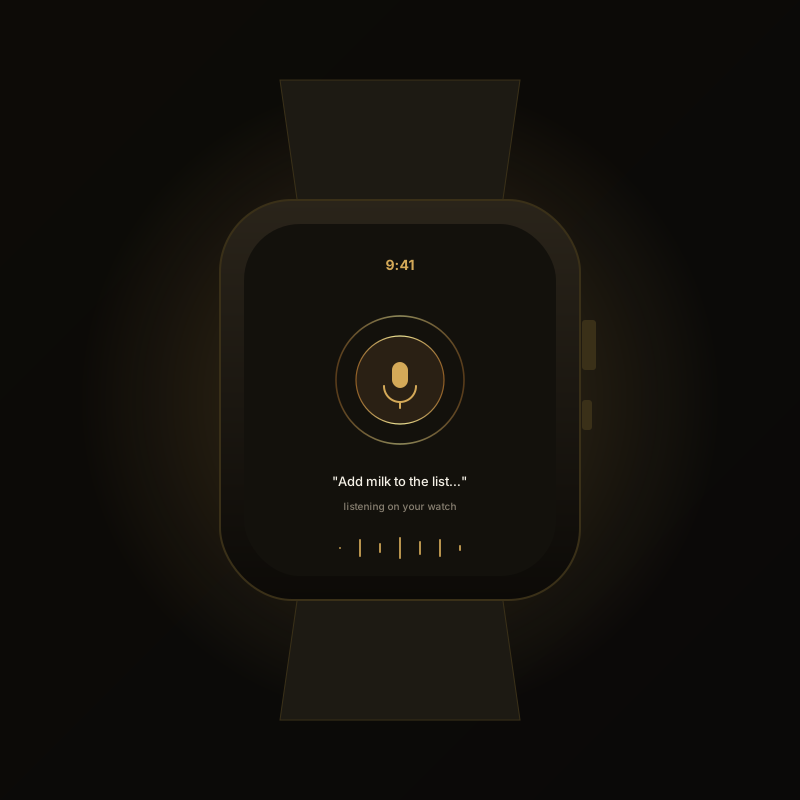
Glanceable answers, voice prompts, and notification triage. The Watch client is a companion to the iOS app.
Status
The Apple Watch client is in active development. Head to the Watch page for current status and availability.
Mods
Extend Spot with Mods.
Mods add new connectors, tools, and integrations to your Spot — bundles of capability you can install on top of the core apps.
Browse and install Mods
You can find out more about available Mods — and install them — on the Software Warehouse.
Fleet Manager
Spot Fleet Manager (coming soon).
The enterprise companion for organizations running many Spots at once. Not yet built — the outline below describes where the product is headed.

What it will cover
- Multi-device fleet view across one site or many.
- Centralized model management across the fleet.
- Performance & latency dashboards.
- User and permission administration.
- Bulk firmware updates and rollbacks.
Who it's for
Businesses, schools, and IT teams running multiple Spots. Single-device households don't need it — the consumer apps cover everything for one device.
Updates
How apps stay current.
Mobile
Through the App Store / Play Store. We typically ship app updates every 1–2 weeks; stable releases are tagged in the listing.
Desktop
Auto-updates on launch. SHA-256 checksums are published per release on the Software Warehouse.
Device firmware
Spot OS itself updates on a separate, signed channel. Owners control when their device updates and can pin a specific build from the device's settings.
Next
Continue.
See what's coming
Check the roadmap for upcoming clients and capabilities.
Stuck installing?
Visit support or email support@brain-frame.ai.